
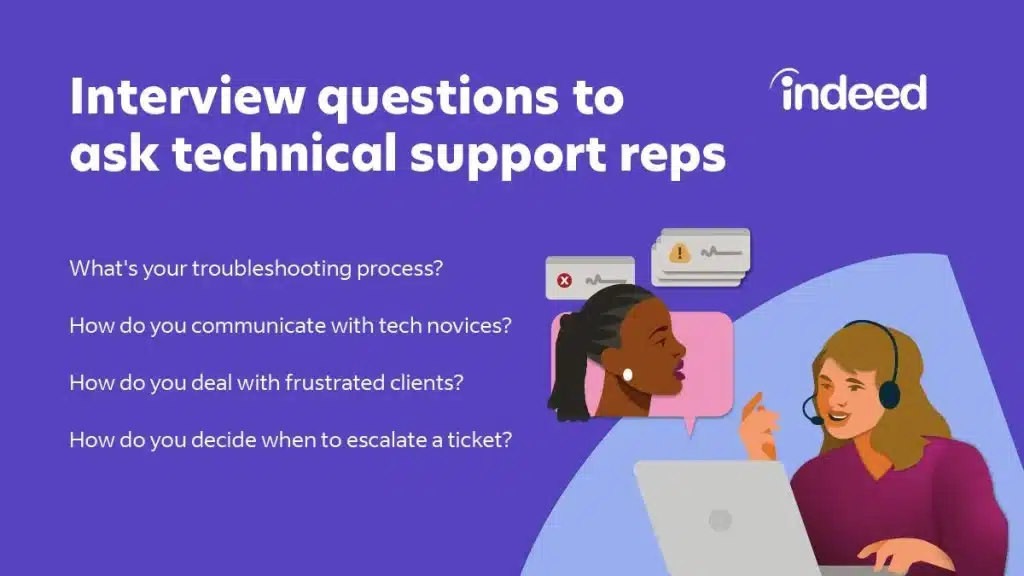
In today’s fast-paced technological world, help desks play a crucial role in ensuring smooth operations and providing assistance to users. Help desk professionals are responsible for troubleshooting technical issues, offering guidance, and resolving problems efficiently. To ensure the competence of help desk agents, organizations often conduct test questions to assess their knowledge and skills. In this article, we will provide you with a comprehensive list of help desk test questions with answers to help you prepare for your next help desk assessment.
Before we dive into the list of test questions, it is essential to understand that help desk test questions can cover a wide range of topics. These may include hardware and software troubleshooting, network connectivity, customer service skills, problem-solving abilities, and more. The questions are designed to evaluate the candidate’s technical expertise, communication skills, and ability to handle various scenarios effectively.
Now, let’s explore a collection of help desk test questions with their corresponding answers to help you gain a better understanding of what to expect during your assessment.
See these help desk test questions with answers
- 1. How would you troubleshoot a computer that won’t start?
- 2. What steps would you take to resolve a network connectivity issue?
- 3. How do you handle an angry or upset customer?
- 4. What are the common causes of a slow internet connection?
- 5. How do you reset a user’s password in Active Directory?
- 6. Explain the difference between RAM and ROM.
- 7. What are the steps to install a printer on a Windows computer?
- 8. How would you troubleshoot a printer that is printing blank pages?
- 9. What is the purpose of a default gateway in networking?
- 10. How do you handle a situation where a user accidentally deletes important files?
- 11. Describe the steps to set up email on a mobile device.
- 12. What is the difference between POP3 and IMAP?
- 13. How would you diagnose and resolve a computer virus infection?
- 14. Explain the concept of IP addressing.
- 15. What is the purpose of DNS in computer networks?
- 16. How do you troubleshoot a computer that is experiencing frequent crashes?
- 17. Describe the process of data backup and recovery.
- 18. What are the steps to configure a wireless network?
- 19. How would you assist a user in setting up a VPN connection?
- 20. Explain the concept of malware and different types of malware.
- 21. What are the best practices for securing a computer network?
- 22. How do you handle a situation where a user forgets their username?
- 23. Describe the steps to uninstall a software program on a Windows computer.
- 24. What is the purpose of a firewall in network security?
- 25. How would you troubleshoot a computer that is not connecting to a specific website?
- 26. Explain the difference between a switch and a router.
- 27. What steps would you take to recover data from a failed hard drive?
- 28. How do you handle a situation where a user receives a suspicious email?
- 29. Describe the process of setting up a wireless printer.
- 30. What are the common signs of a failing hard drive?
- 31. How would you assist a user in accessing their email remotely?
- 32. Explain the concept of phishing and how to identify phishing attempts.
- 33. What are the steps to configure email encryption?
- 34. How do you troubleshoot a computer that is not connecting to a Wi-Fi network?
- 35. Describe the process of troubleshooting a software compatibility issue.
- 36. What is the purpose of an IP address?
- 37. How would you assist a user in recovering a deleted file?
- 38. Explain the difference between a virus and a worm.
- 39. What steps would you take to optimize the performance of a slow computer?
- 40. How do you handle a situation where a user’s email account has been compromised?
Remember, these are just a few examples of help desk test questions that you might come across during your assessment. It is crucial to thoroughly prepare yourself and review various topics related to help desk support. By doing so, you will increase your chances of performing well and showcasing your expertise in this field.
Good luck with your help desk assessment!






